RESET EPSON L565: In this tutorial, we will show solutions for the common ink errors that occur in Epson L565, such as “Service required”, Waste Ink Pad Full, All Lights Blinking, Red Light Blinking, and Ink Pad End of Life – which can be easily fixed using Epson L565 Resetter Tool. Resetting the Waste Ink Pad Counter using Adjustment Program will restore the printer to normal state.
Important: Restart the printer after resetting – turn it off/on. In case of future Waste Ink Overflow issue, it is a good idea to use Adjustment Program whenever needed.
Need help? For tech support for Epson L565 printer, contact our team via WhatsApp. Remote Support (AnyDesk) is also available.

Service Required Problem –
When the printer reaches the maximum print limit, the system will warn you by blinking all the LED lights and you need to fix those errors. The printer shows that it has reached the end of its life. This is called a Service Required Issue.
You need to download and install Epson L565 Resetter (Adjustment Program). Friends, this is a simple and effective solution—you can manually reset your printer through this software. I hope it will be useful for your Epson L565 printer.
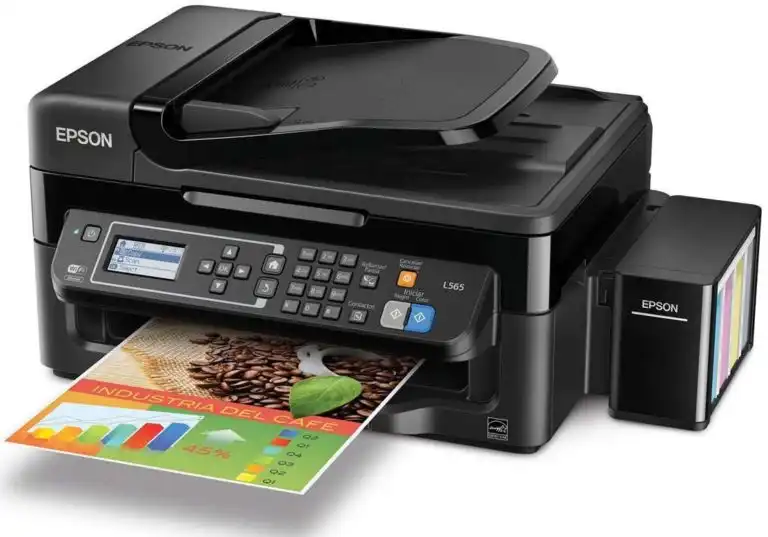
Epson L565 Resetter
How to Reset L565 Printer:
First: Need to Download L565 Driver Software and Install it on a Connected Computer System…
Second: Free download the Epson L565 Resetter from the below Link and Follow the Steps to Reset the Epson L565 Printer Waste Ink Pad Counter Easily.

For more information on how to reset, watch the Video
Epson L565 Adjustment Program
RESET EPSON L565 Waste Ink Pad Full (2026)
Epson L565 a Printer’s ink pad is at the end of its service life
Reset epson l565 windows 10
Price Kya Lenge
Extract password kya hai
Really work ✅✅thank you ????????
Thanks bro
my L565 printer no work last 15 days and two light blinking number by number plz solv my mejar problem.